

Browsing & Discovering Music
FreeMix gives you several ways to find music. No ads, no algorithmic manipulation — you see what people upload, chronologically, with filters to narrow your focus.
The Browse Page
Section titled “The Browse Page”Explore all music on FreeMix. Filter by genre using the genre sidebar. Sort by newest, most liked, or most remixed. Search by track title or artist name.
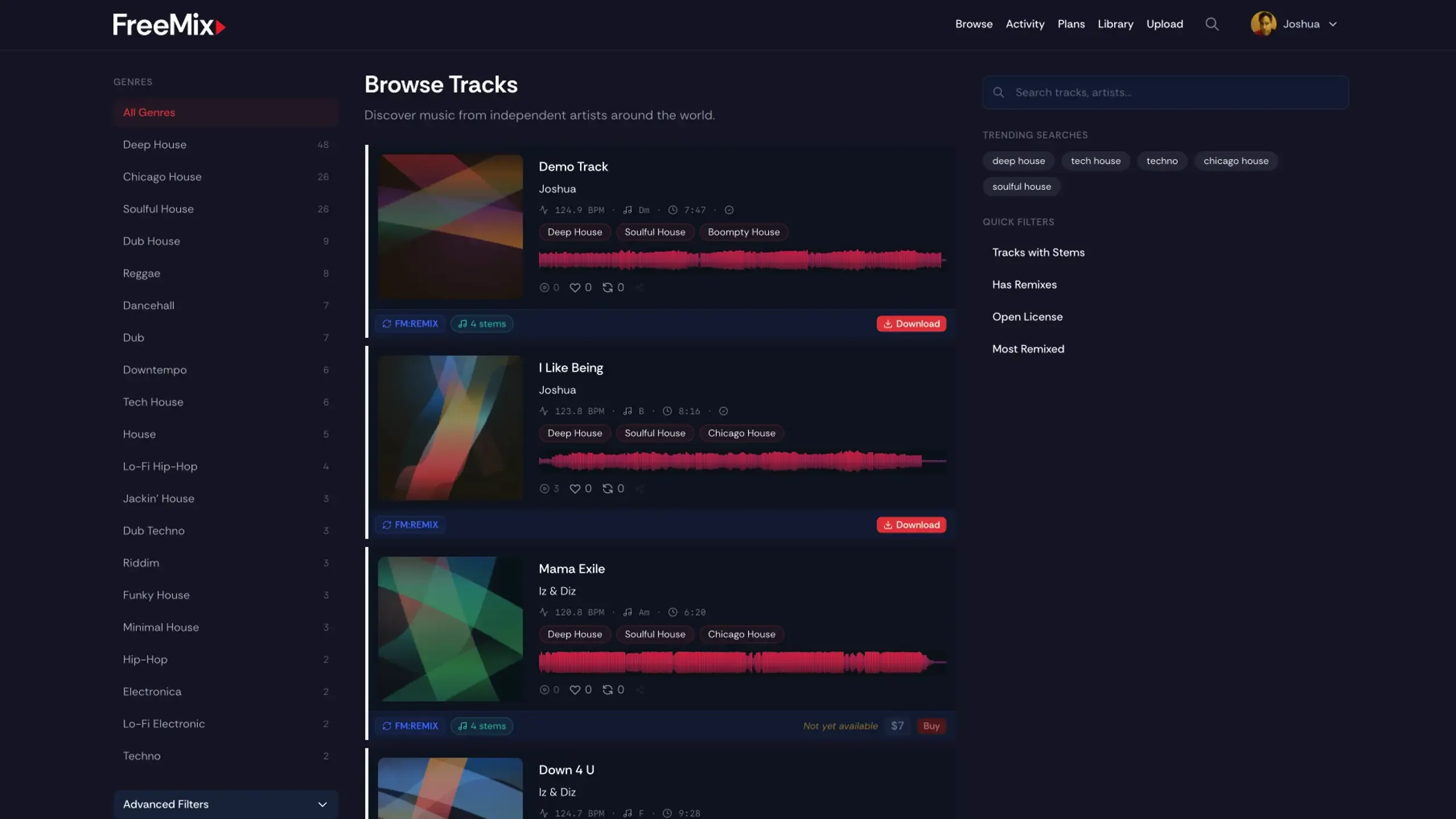
Track cards in the browse grid show you everything at a glance: cover art (with a play button on hover), title, artist, BPM, key, duration, genre pills, license badge, and stats (downloads, likes, reposts).
Track Detail Page
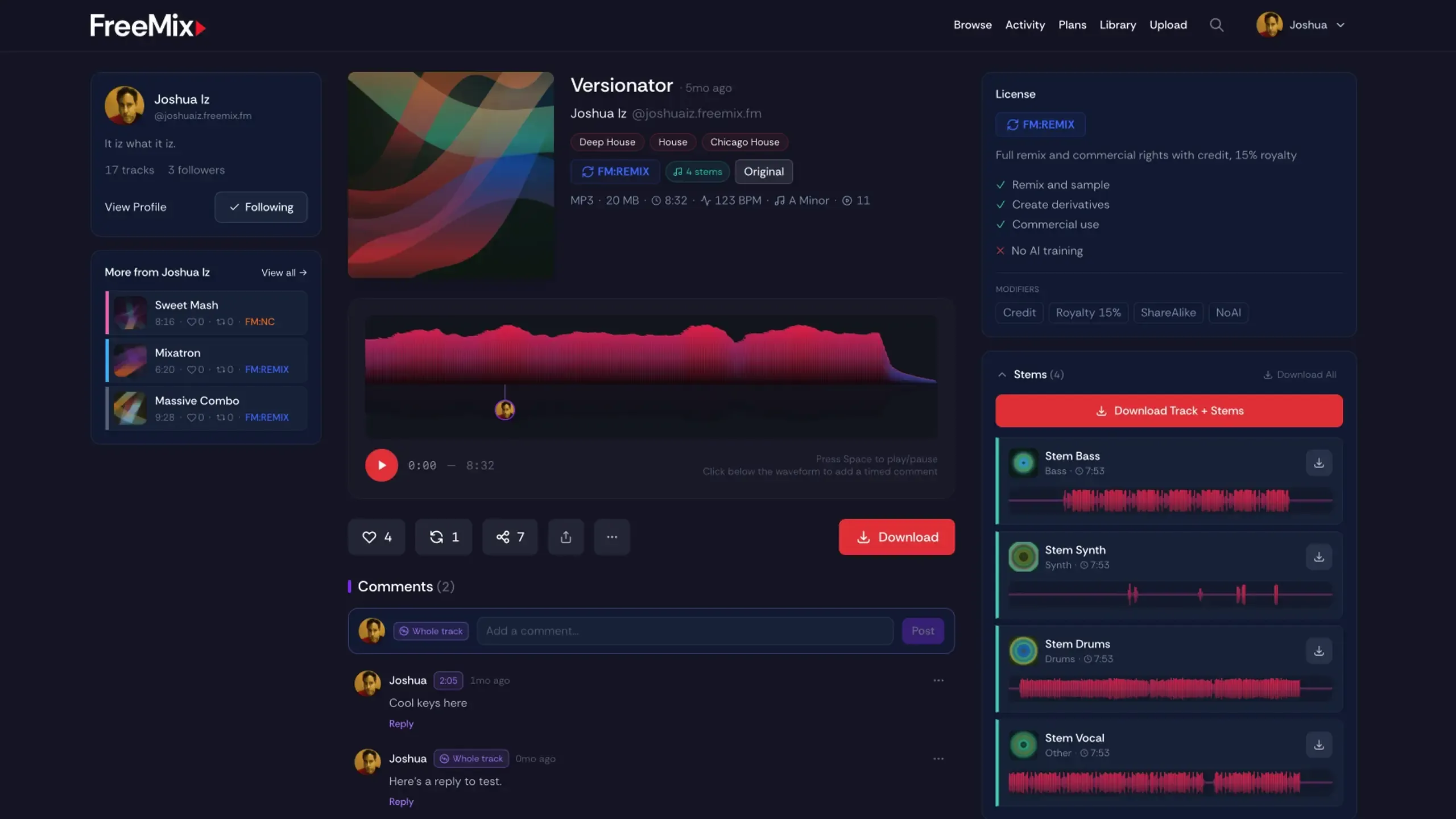
Section titled “Track Detail Page”Click any track to see the full picture: waveform player with playback controls, description, all metadata, complete license details with modifier breakdown, stems (if provided with individual waveforms and playback), remix relationships, and artist info.
Artist Profiles
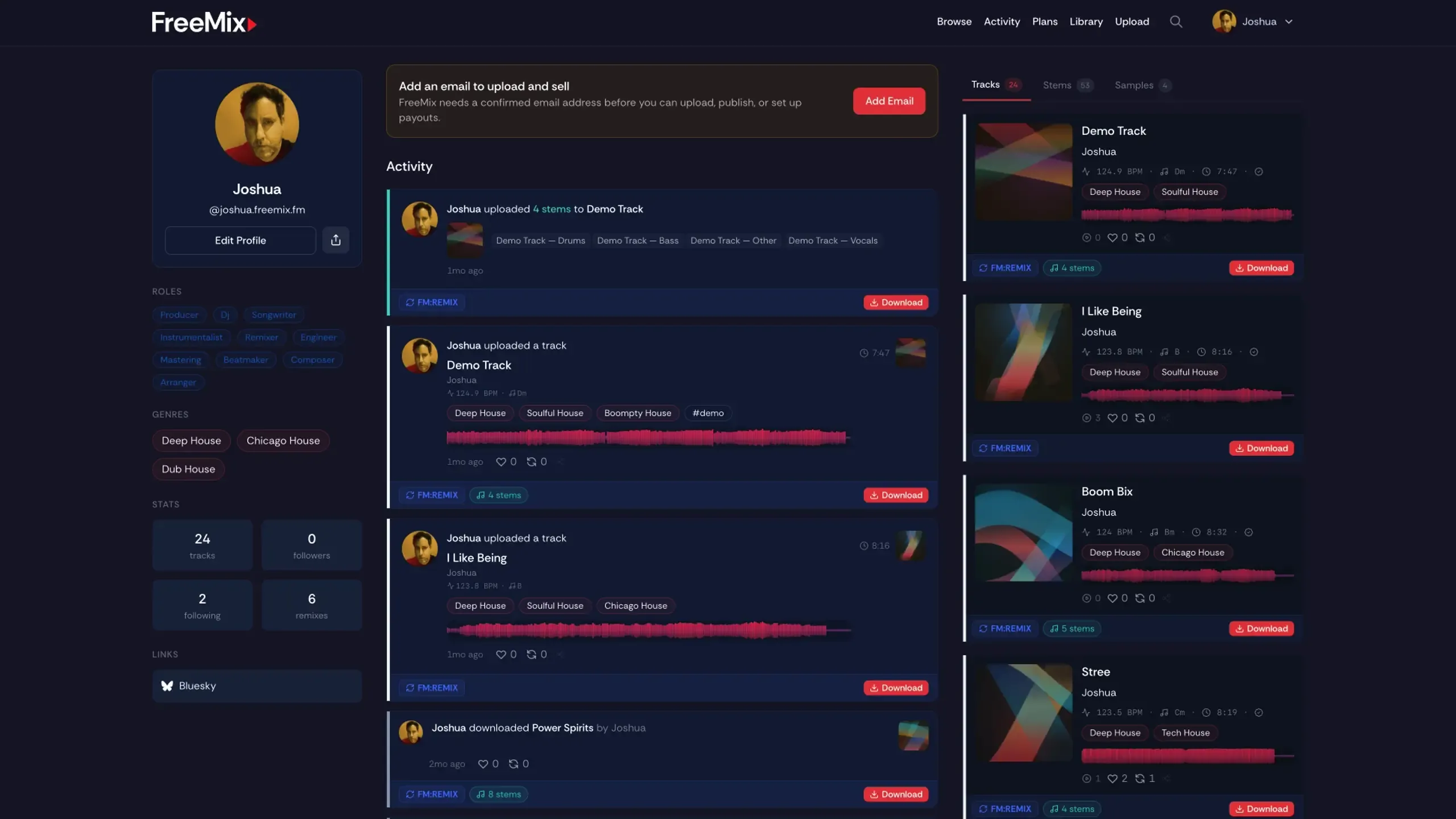
Section titled “Artist Profiles”Click any name to visit that profile. See their uploads, activity feed, bio, and genres. Follow the creators you’re interested in to see their uploads in your personal feed.
Search
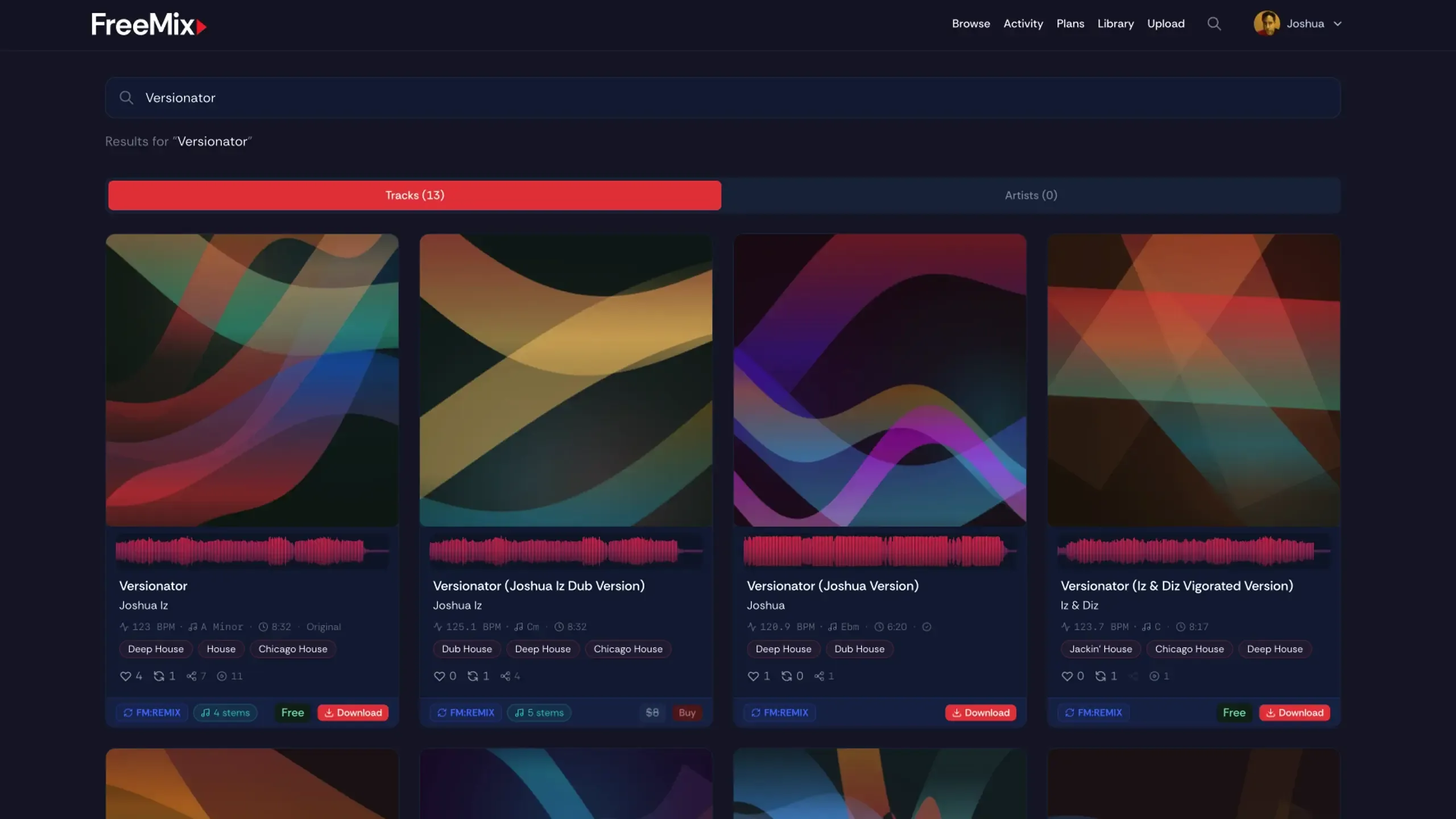
Section titled “Search”Find tracks and profiles by name. Search results include both.
- Activity Feed — Stay up to date with uploads, likes, follows, and remixes
- Downloading — How downloading and license acknowledgment works